
Practical digital skills
WordPress Website Design for Beginners: What You Need to Learn
You do not need to become a developer to build and manage a useful WordPress website. You do need to understand the foundations well enough to make sound decisions, brief other people and avoid becoming dependent on tools you do not understand.
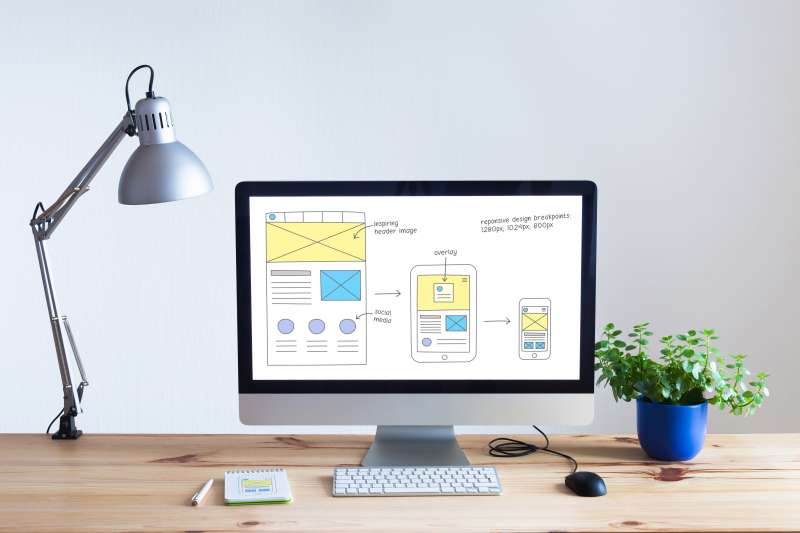
What does a beginner really need to learn?
Website design can sound far more technical than it needs to be. For most small businesses and online asset owners, the aim is not to write code from scratch. It is to build and manage a professional website that is useful, secure and connected to a clear business purpose.
That starts before you choose a theme. You need to understand who the website is for, what visitors should be able to do and how the site fits into the broader business model.
The core skills worth learning
Planning and structure
Learn how pages, posts, categories and navigation work together so information is easy to find.
WordPress foundations
Understand hosting, domains, themes, plugins, updates, user roles and the difference between content and design.
Clear, accessible design
Use readable text, strong contrast, sensible headings, helpful link wording and mobile-friendly layouts.
Content and search basics
Create useful pages for people first, while helping search engines understand what each page is about.
Security and maintenance
Know how backups, updates, licences and basic security protect the asset after launch.
Design is only part of the job
A visually impressive website can still be confusing, slow or commercially weak. Good design helps the reader understand where they are, why the information matters and what to do next.
Google’s SEO Starter Guide also reinforces a useful principle: build for people while making your content easy for search engines to understand. A beginner course should connect design, content and usability rather than treating them as separate subjects.
Should you learn Elementor or another page builder?
A visual builder can make WordPress more approachable, but the specific tool matters less than understanding layout and structure. Tools change. The ability to create a clear page, work with reusable styles and keep the site responsive is more transferable.
Learn enough about the platform to control your asset, even if someone else handles the more technical work.
How to assess a website design course
- Is it current and based on the version of WordPress or builder you will use?
- Does it teach a complete project rather than disconnected demonstrations?
- Does it cover accessibility, security, backups and ongoing maintenance?
- Will you understand why each step matters?
- Can you see the true total cost, including hosting, themes and paid plugins?
- Is support available when your screen does not match the lesson?
Build a small real project
The fastest way to make the learning useful is to apply it. Start with a simple site and a limited set of pages. Treat it as a working project, not a perfect final product.
Once you understand the foundations, you can decide whether to keep building yourself, work with a professional or combine both approaches. The skill gives you better control whichever path you choose.
Your next step
Build skills around a real goal
Digital Education Experts can help you compare online business pathways and identify the skills that matter for the one you choose.
This was a great investment for me, it opened the door and I now make all of my income from websites I have built over the years.